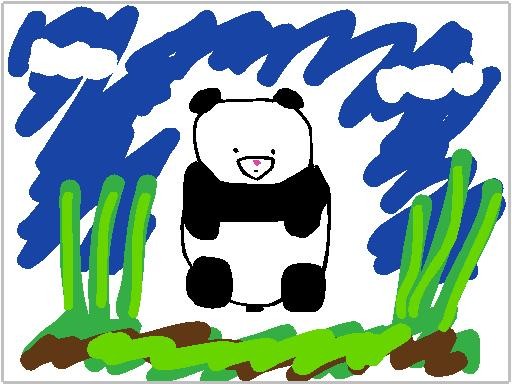
I used the Animation-ish Classroom Edition software to animate the panda I drew.
http://gifmake.com/fct/l.php?r=852
I used black to draw the panda, pink for the nose, various greens for the grass, and brown for the ground. I added blue to the background representing the sky and used white to color in the background to shape clouds. I adjusted the brush sizes as I was drawing so that it was easier to fill in the spaces. When I made mistakes, I basically used Ctrl + Z the whole time instead of using an eraser; it’s faster to use Ctrl + Z than erasing with the eraser tool. After tracing the panda two times, the picture is animated. It appears as if it moves because tracing gives various shapes and sizes but of the same picture. The various shapes and sizes gives motion to the picture.
Comments: 0
There are no comments yet, be the first to write a comment!
 Stephanie Sy